

Quick Answer
AI agents automate everyday tasks by chaining together three steps on their own: understanding what you want, deciding the actions needed, and using apps or tools to finish the job without you clicking through each step. Instead of just answering a question, an AI agent can read your emails, book a meeting, sort your files, or reorder groceries — then tell you it’s done.
What Makes an AI Agent Different From a Chatbot?
A standard chatbot is designed to answer one question at a time, while an AI agent is more like an attentive assistant that can take a goal-directed request and execute it. To give an example, if a user asks to find a flight to Chicago that will cost less than $300 and add it to their calendar for next Friday, a chatbot will explain the process of flight search. An AI agent will perform an actual search, narrow down results based on price, destination, and date, and add the selected event to a user’s calendar. The ability to perform such actions is crucial for day-to-day conversations and much broader than the capabilities of a search engine.
How Do AI Agents Actually Automate Tasks?
Every AI agent follows a similar loop, even if the tasks look completely different.
- It reads the goal. You type or speak what you want, in plain language — no code needed.
- It breaks the goal into steps. The agent works out what needs to happen first, second, and third.
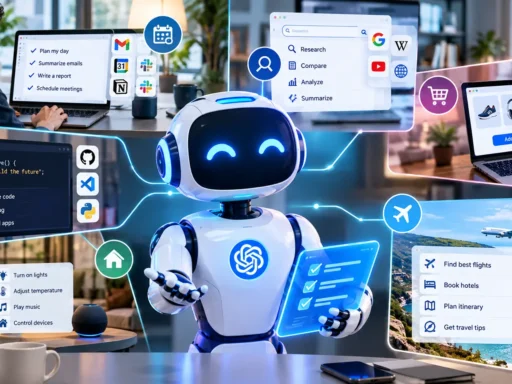
- It uses tools to act. This is the part chatbots can’t do. The agent connects to your email, calendar, spreadsheet, or shopping app and carries out each step.
- It checks the result and adjusts. If a step fails — say, a flight sells out — the agent tries another option instead of just giving up.
- It reports back. You get a summary: what was done, and what still needs your approval.
This loop is why agents can handle messy, multi-step jobs. A 2026 industry report noted that manufacturer Danfoss now uses AI agents to handle email-based order processing, automating the majority of routine transactional decisions and shrinking average customer response time from around two days to nearly instant.
Everyday Tasks AI Agents Are Already Handling
You don’t need a tech background to benefit from this. Here’s where agents are already doing real work for ordinary people and small teams.
Inbox and Calendar Management
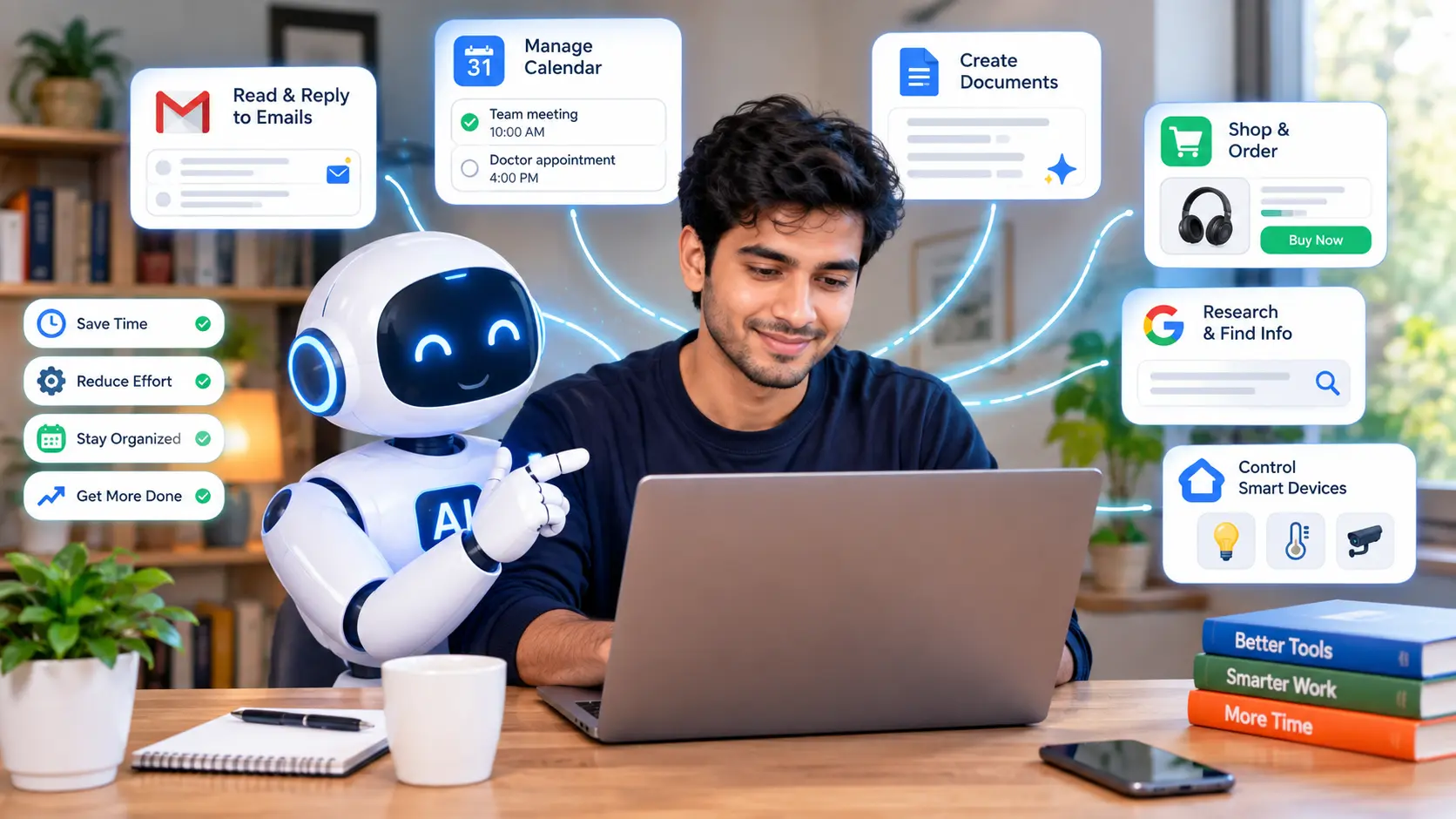
Agents can read new emails, draft replies in your tone, and pull out action items. Instead of scrolling through fifty unread messages, you get a short list: three need a reply, two are FYI, one is spam. Business tools like Microsoft Copilot already sort emails and draft reports with minimal manual input.
Home and Smart Devices
At home, agents connect your thermostat, lights, and speakers so they respond to routines rather than separate commands. Say “goodnight” once, and the agent locks the doors, dims the lights, and sets the alarm — no need to touch four different apps.
Shopping and Errands
Some agents track prices, reorder household basics before you run out, and compare delivery times across stores. You set the rule once — keep coffee stocked — and the agent handles the repeat purchase.
Research and Planning
Ask an agent to plan a weekend trip, and it can compare flights, check the weather, and build a rough itinerary with links, instead of you opening ten browser tabs yourself.
Simple File and Folder Automations
Even non-coders use agents for small automations, like saving every email attachment to a specific folder and renaming it by date. You describe the rule in plain English, and the agent builds and runs it in the background.
Chatbot vs. AI Agent: What’s the Real Difference?
| Feature | Chatbot | AI Agent |
| Main job | Answers questions | Completes tasks |
| Takes action in other apps | No | Yes |
| Handles multi-step goals | No | Yes |
| Needs you to do the clicking | Yes | Rarely |
| Learns your preferences over time | Limited | Often, across sessions |
Getting Started Without Overcomplicating It
It is impossible to configure five various agents for managing every walk of life. Choose the most common day-to-day activity that may be monotonous or tiresome, such as sorting incoming messages, reorder items on the grocery list, or setting up meetings. Designate one agent for this activity and try to think of another monotonous task that is not integrated with the first one, and assign it to the second agent. The automation of all routine activities will not be possible from the beginning; one should start with one agent and one task, and then proceed to the next. It is also essential to leave a human in charge of any activity that deals with monetary issues, sending emails, or any other activity that involves sensitive personal information. Agents act fast; however, they can make mistakes and send the most crucial information instead of a testing message.
Final Thoughts
AI agents can automate day-to-day tasks by performing a complete end-to-end process, instead of just giving the user directions on how they should do it themselves. By starting small, and making sure a human checks any risky action, users can let their AI agent grow in its responsibilities and reap all the time rewards an AI agent can provide.
FAQs
What’s the difference between an AI agent and a chatbot? A chatbot gives you answers in a conversation. An AI agent goes further — it plans steps and actually performs them in other apps, like booking, sorting, or updating a calendar, without you doing each click yourself.
Are AI agents safe to use for personal tasks? They’re generally safe for low-risk tasks like sorting emails or setting reminders. For anything involving payments, private data, or messages sent on your behalf, it’s smart to keep a manual approval step until you trust the agent’s accuracy.
Do I need to know how to code to use an AI agent? No. Most everyday AI agents work with plain-language instructions, such as saving every emailed invoice to a specific folder. You describe the outcome you want, and the agent works out the steps.
Can AI agents work across different apps at once? Yes. This is one of their main strengths. A single agent can check your calendar, pull data from email, and update a spreadsheet in one connected workflow, instead of you copying information between apps by hand.
What’s a simple first task to automate with an AI agent? Inbox triage is a common starting point — having the agent summarize new emails and flag the ones that need a reply. It’s low-risk, saves time daily, and gives you a feel for how the agent works before automating anything bigger.
Will AI agents replace my job? Most current agents are built to handle repetitive, rules-based parts of a job, not the whole role. They tend to free up time for tasks that need judgment, creativity, or relationship-building, rather than replacing those entirely.
Sources & Further Reading
Google Cloud, “AI Business Trends Report 2026” — https://blog.google/innovation-and-ai/infrastructure-and-cloud/google-cloud/ai-business-trends-report-2026
Educative, “Real-World Use Cases of AI Agents in 2026” — https://www.educative.io/blog/ai-agents-use-cases
Eastgate Software, “Top 10 AI Agent Use Cases and Real-Life Examples” — https://wp.eastgate-software.com/top-10-ai-agent-use-cases-and-real-life-examples-2025/