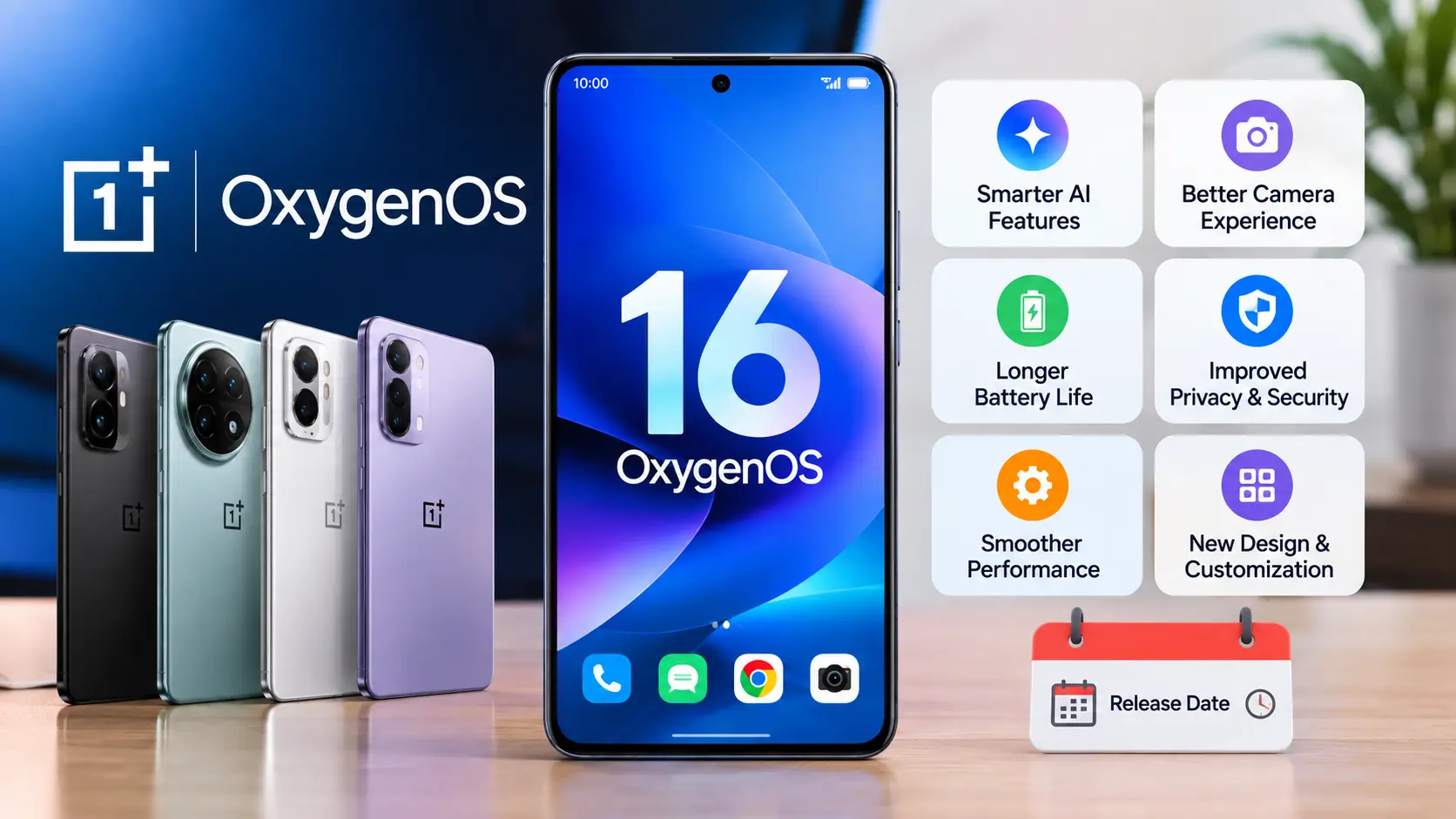

Your OnePlus keeps nudging you about a big software update, and you want to know if OxygenOS 16 is worth the wait. Fair question. It runs on Android 16 and brings new AI tools, a more customizable lock screen, and snappier animations. Here’s what’s new, which phones get it, and when it arrived.
| Quick Answer OxygenOS 16 is OnePlus’s phone software built on Android 16. OnePlus announced it on October 16, 2025, and stable updates started rolling out in November 2025. Top features include Plus Mind with Google Gemini, lock screen widgets, and smoother animations. It supports phones from the OnePlus 11 series and newer, including the OnePlus 15, 13, 12, and OnePlus Open. |
What Is OxygenOS 16?
OxygenOS is the custom Android-based firmware for OnePlus smartphones. It is essentially a modified version of Android with additional software features and tweaks. OxygenOS 16 is based on Android 16 and replaces OxygenOS 15.
The new release brings two major highlights for this year — a major focus on AI features and a redesigned user interface. Many of the modifications and enhancements have been carried over from its sister OS ColorOS 16.
OxygenOS 16 Release Date: When Did It Roll Out?
OnePlus unveiled OxygenOS 16 on October 16, 2025. The open beta opened the next day, and stable updates began in November 2025 for newer flagships. Older phones followed in waves. The OnePlus 15 shipped with it already installed.
| Date | What happened |
|---|---|
| Oct 16, 2025 | OxygenOS 16 officially announced |
| Oct 17, 2025 | Open beta program starts |
| Nov 2025 | Stable rollout begins with newer flagships |
| Early 2026 | Main rollout reported as wrapped up |
Haven’t seen the update yet? Rollouts reach users in stages, and timing can differ by region or carrier.
What Are the New Features in OxygenOS 16?
Plus Mind and Mind Space with Gemini
This is the headline feature. Swiping up with three fingers saves whatever is on your phone’s screen to Mind Space, an app for storing screenshots, notes, and reminders. The AI reads what you save. If you save a flyer for a concert, it could suggest a calendar entry.
Google Gemini is also connected to Mind Space. Save some screenshots of hotels and flights, and Gemini can help plan a trip around them. On the OnePlus 15, sliding in the Plus Key also opens it.
AI tools for writing, recording, and photos
AI Writer helps you draft or proofread text in most apps. AI Recorder transcribes conversations and labels who’s talking. In Gallery, new tools can fix face lighting in portraits and swap in open eyes from another shot.
A better lock screen and fresh design
Lock screen widgets finally arrived. You also get new clock styles and live photo or video wallpapers. A soft glow effect gives some menus a look similar to Apple’s Liquid Glass.
Faster, smoother performance
Parallel Processing 2.0 lets animations start before the last one ends, so jumping between apps feels quicker. Fluid Cloud shows live updates, like a ride or delivery, right on your lock screen.
Better connectivity and privacy
OnePlus added Apple Watch support for notifications and calls. O+ Connect sends files between your phone and a Windows PC or Mac. For security, OnePlus promotes a Private Computing Cloud to protect sensitive data.
Which Phones Are Eligible for OxygenOS 16?
OnePlus shared its eligible list through the official community forum. Here’s the short version.
| Series | Eligible models |
|---|---|
| Flagships | OnePlus 15, 13, 13R, 13s, 12, 12R, 11, 11R, and OnePlus Open |
| Nord | Nord 5, Nord 4, Nord 3 |
| Nord CE | Nord CE series, including CE 4 and CE 4 Lite |
| Tablets | OnePlus Pad series (Pad 3, Pad 2, Pad Lite expected) |
What this means for US buyers
Most Nord phones and the 13s were sold outside the United States. If you bought a OnePlus 15, 13, 13R, 12, 12R, 11, or the OnePlus Open here, you’re covered. Phones older than the OnePlus 11 series, like the 10 Pro, weren’t on OnePlus’s list. Confirm your exact model on OnePlus’s website.
How Do You Update to OxygenOS 16?
- Back up your photos, contacts, and files.
- Connect to Wi-Fi, charge your phone, and free up about 10GB of storage.
- Open Settings, tap About device, then Version, and check for updates.
- Download the update, then tap Install and let the phone restart.
- Check your battery life and app permissions after a day.
Is OxygenOS 16 Worth Installing?
Although for the majority of users, yes. Especially those who take hundreds of screenshots. As for lock screen widgets, these are the second reason to upgrade. By the way, if you use your phone for work and do not want to risk crashes, wait for about a month or two after the stable build is available.
Although OxygenOS 17 is already in development, with reports suggesting a fall 2026 release window aligned with Android 17, OnePlus has not yet announced any specific timelines for the update in my research.
OxygenOS 16 FAQ
What is OxygenOS 16?
OxygenOS 16 is OnePlus’s software for phones and tablets, built on Android 16. It adds Gemini-powered AI tools, lock screen widgets, and a smoother, redesigned interface.
When was OxygenOS 16 released?
OnePlus announced it on October 16, 2025. Stable updates began rolling out in November 2025, starting with newer flagship phones.
Which OnePlus phones get OxygenOS 16?
Phones from the OnePlus 11 series and newer qualify, including the OnePlus 15, 13, 12, and OnePlus Open, plus certain Nord models and Pad tablets.
Is the OxygenOS 16 update free?
Yes. It arrives as a free over-the-air update on eligible devices. You only need Wi-Fi, a charged battery, and enough free storage.
How much storage do I need to update?
Free up at least 10GB before you start. That gives the phone enough room to download and install the update without errors.
Final Word
OxygenOS 16 is a solid upgrade, especially if you like AI helpers and a customizable lock screen. Open Settings today, check for updates, and back up your phone first.